Free tool · Colour palette
Get the colour palette of a photograph
Drop a photograph and read its five dominant colours, each with the share of the frame it covers — in the hex and oklch() you can paste straight into a design.
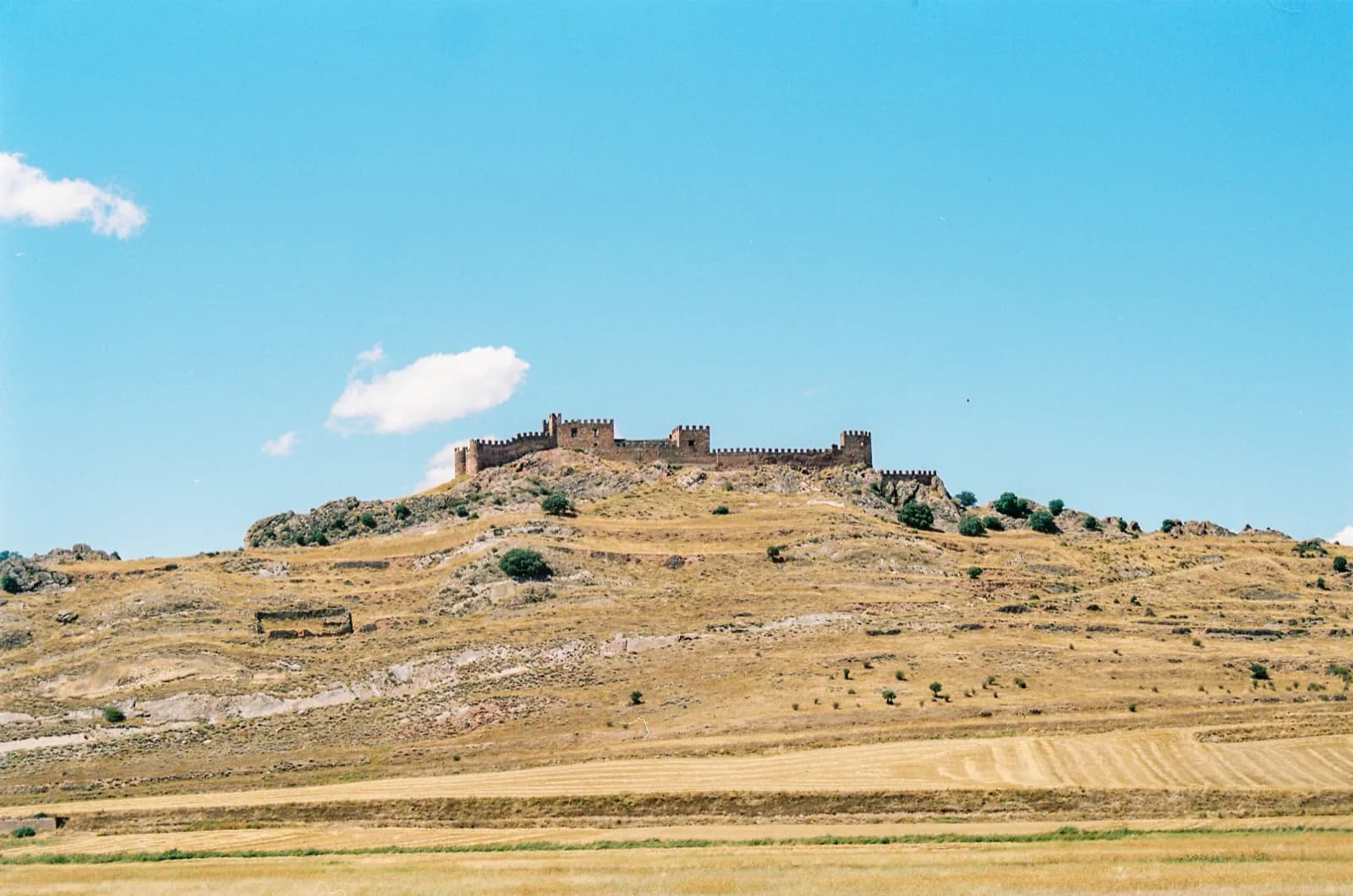
#82cfeb
oklch(0.814 0.086 223.5) · 54% of the frame
#c4a474
oklch(0.736 0.074 78.1) · 19% of the frame
#e3c699
oklch(0.839 0.068 78.4) · 14% of the frame
#978059
oklch(0.611 0.062 80.6) · 10% of the frame
#4c4430
oklch(0.388 0.033 87.4) · 3% of the frame
Five colours, weighted
The tool groups the picture’s pixels into five colours and says how much of the frame each one covers. A colour that fills the sky counts for more than one in a corner, and the list is ordered that way.
Grouped the way an eye sees colour
The grouping is done in OKLab, a colour space built so that equal distances look equally different, so colours that look alike end up together.
oklch() as well as hex
Each colour comes as hex and as oklch(), the CSS colour function that keeps lightness and chroma readable — handy for building a palette that holds its contrast.
Nothing leaves your device
The image is decoded and read in this page. It is not uploaded.
Every photograph in your library, the same way
This is how Peak reads every photograph you upload: its five colours and their share are what colour search matches against, so you can find a frame by the blue you remember.
Questions
- Which files work?
- JPEG, PNG and WebP in every browser. Camera RAW files cannot be drawn by a browser, and TIFF and HEIC only by some.
- Why five colours?
- A photograph rarely has one dominant colour: a portrait is skin, hair, wall and clothes. Five, each with its share of the frame, describe it without drowning it in shades.
- Is my photo uploaded?
- No. The palette is computed in your browser, and the page sends no file anywhere.